



See the whole project
Procurement, budget, implementation, and payments sit on one record. You do not have to jump between separate files.
Provincial Budget Office · Davao del Sur
Authorized staff can track procurement, obligations, implementation, and disbursements in one official record.
Projects
Find a record and see its current stage.
View this sectionBudget
Review allotments, releases, and remaining balances.
View this sectionPayments
Follow disbursements and amounts still due.
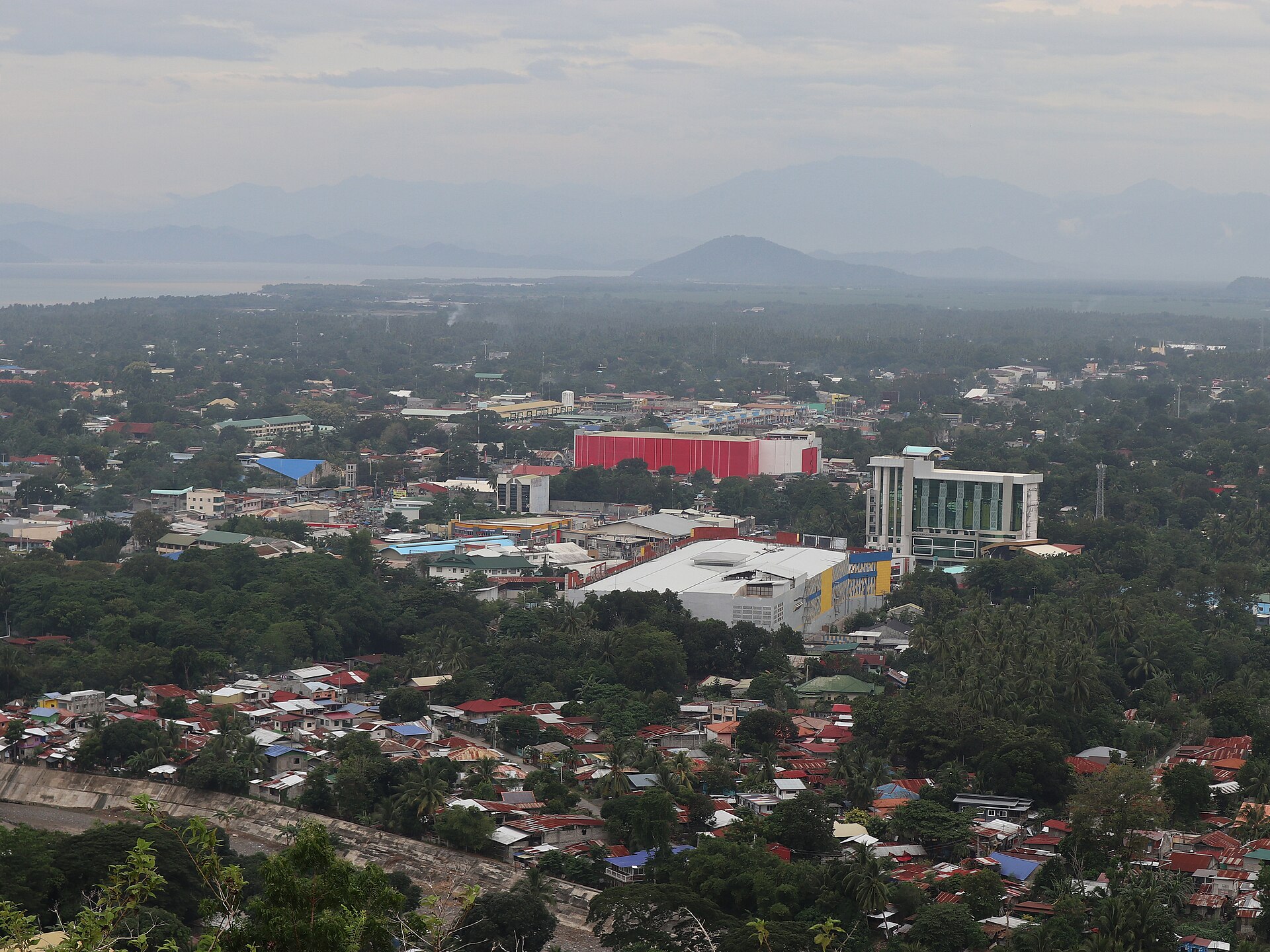
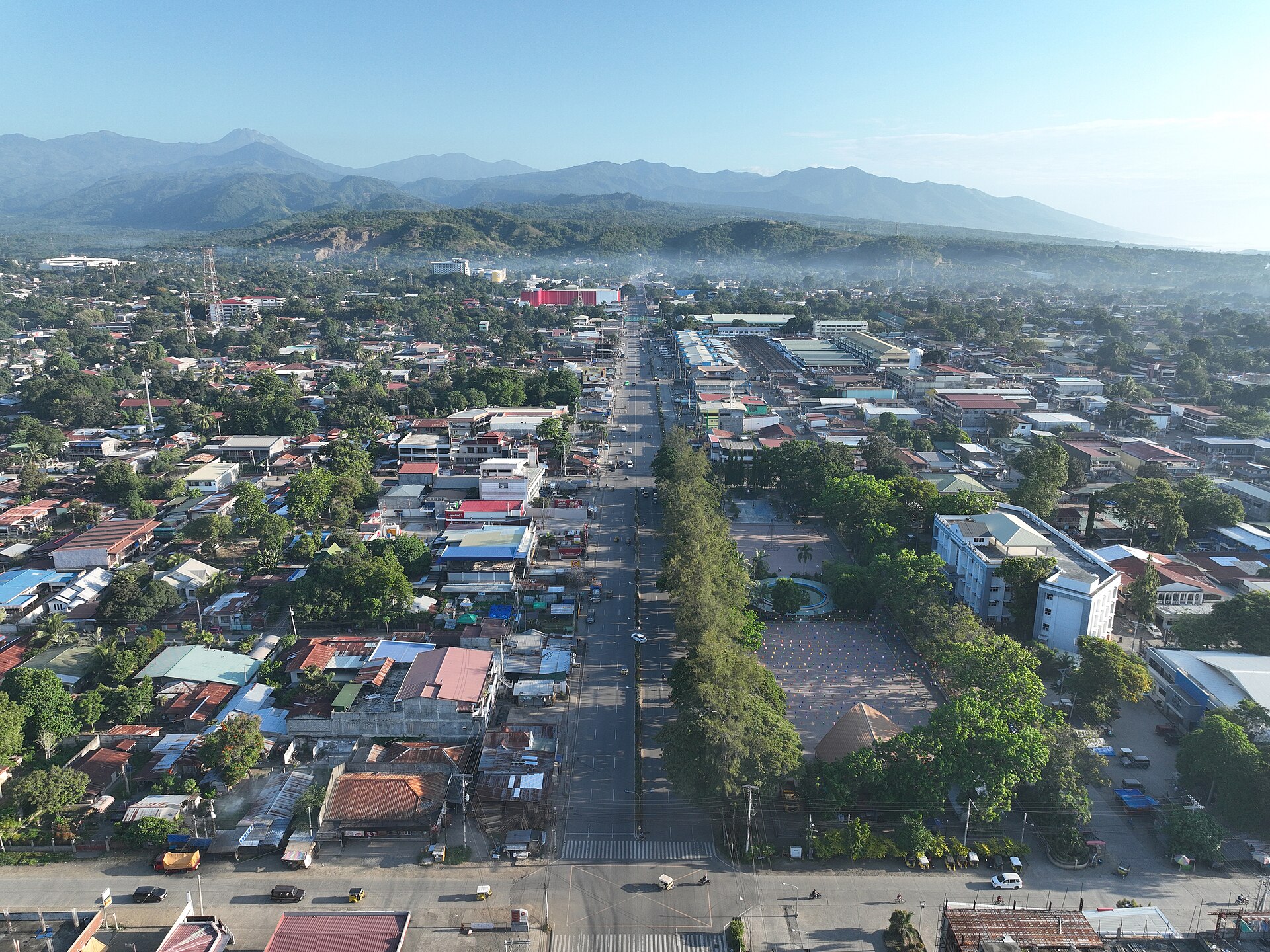
View this sectionPhotos of Davao del Sur via Wikimedia Commons (CC BY-SA)
Each project keeps one record as it moves through four stages. Open a project to see where it is and what still needs action.
Record bidding, awards, and purchase requests so the paper trail stays with the project.
Track allotments, releases, and remaining balances before work is paid.
Follow physical progress and updates while the project is underway.
See disbursements and what is still due, against the approved budget.
Built for daily office use — so you can find a status without asking around.
Procurement, budget, implementation, and payments sit on one record. You do not have to jump between separate files.
Check what already happened, what is pending, and where a project is waiting.
Staff see the projects and actions their role allows. Sensitive records stay with the right offices.
Every change is logged. That supports review, audit, and public accountability.
Built for the offices that move a project from award to payment — each with the access their role needs.
Record allotments and obligations, then see what is still available to spend.
Keep bidding, awards, and purchase requests with the same project file.
Post progress updates so leadership can see work on the ground.
Open a dashboard view of status, balances, and payments without chasing folders.
Quick answers for staff who are new to the system.
The people who lead, check, and maintain this system for the Provincial Budget Office.
Project Leader
Provincial Budget Officer. Sets direction and signs off on how the office uses this system.
Quality Assurance
Head of Budget Execution. Reviews records so project data stays accurate and complete.
Full Stack Developer
Builds and maintains the application so offices can use it every day.
Questions about this system or your office’s access? Reach the Provincial Budget Office during working hours.
Phone
+63 970 557 1417Hours
Monday to Friday, 8:00 AM – 5:00 PM